A Clockify alternative with a task board
Clockify tracks time cheaply, but its tasks are a list and the board lives in another app. LooperTask puts the timer, the board and the invoice in one place.
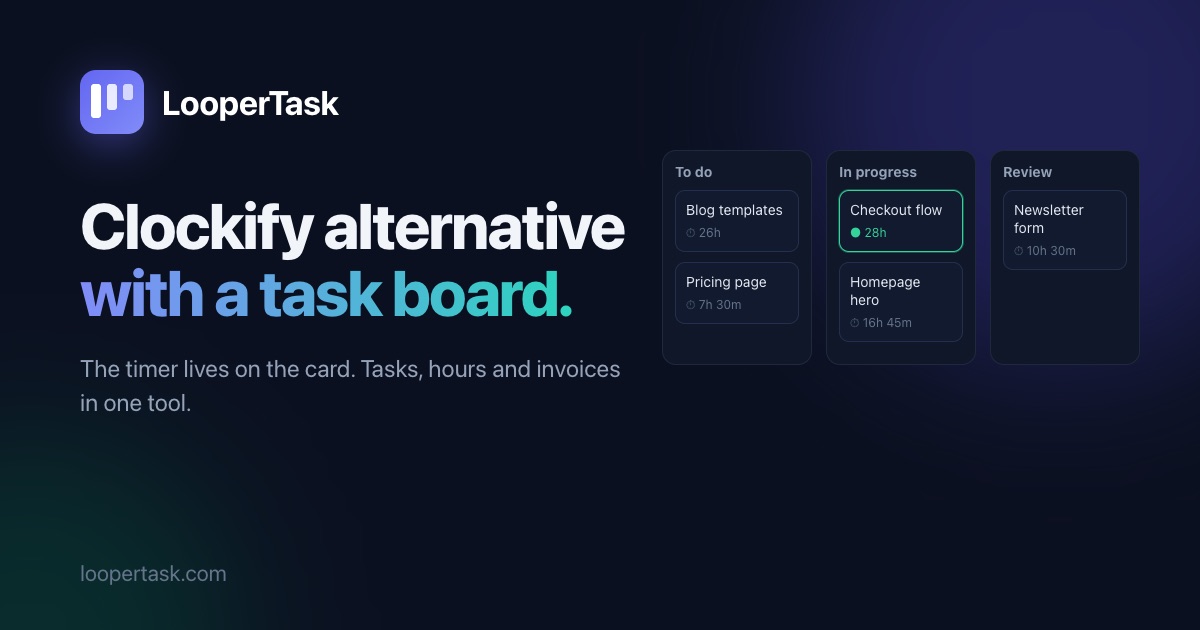
Clockify is hard to beat on price, and we'll say so up front: for a small team it costs less than LooperTask. What it doesn't have is a board. In Clockify, tasks are a layer under a project, closer to sub-projects than to cards you move around. The Kanban board lives in Plaky, a sister app you connect to Clockify. If you'd rather plan the work and track the time in the same place, this post shows what that looks like in LooperTask, and when the cheaper option is the right one.
The board is where the timer is
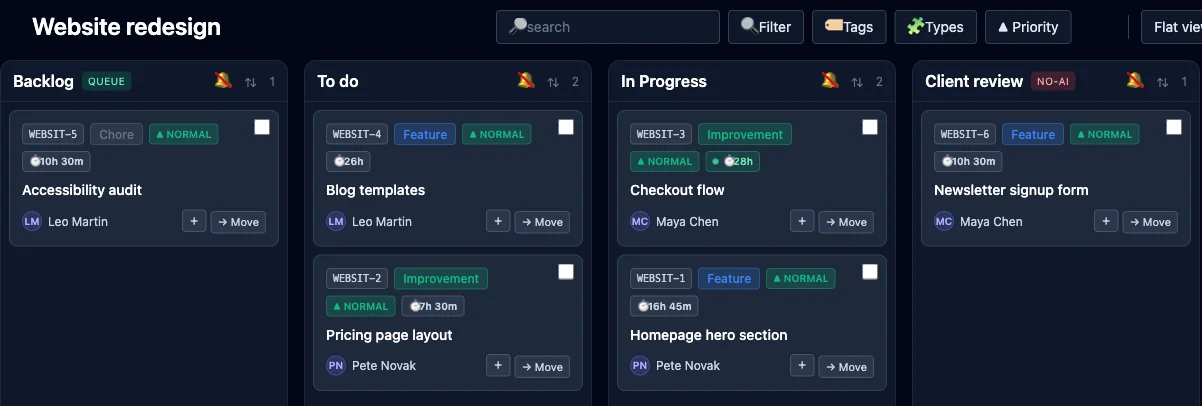
In LooperTask a project is a board. Each card shows the hours tracked on it, and a running timer shows on its card, so anyone looking at the board can see what's being worked on right now.
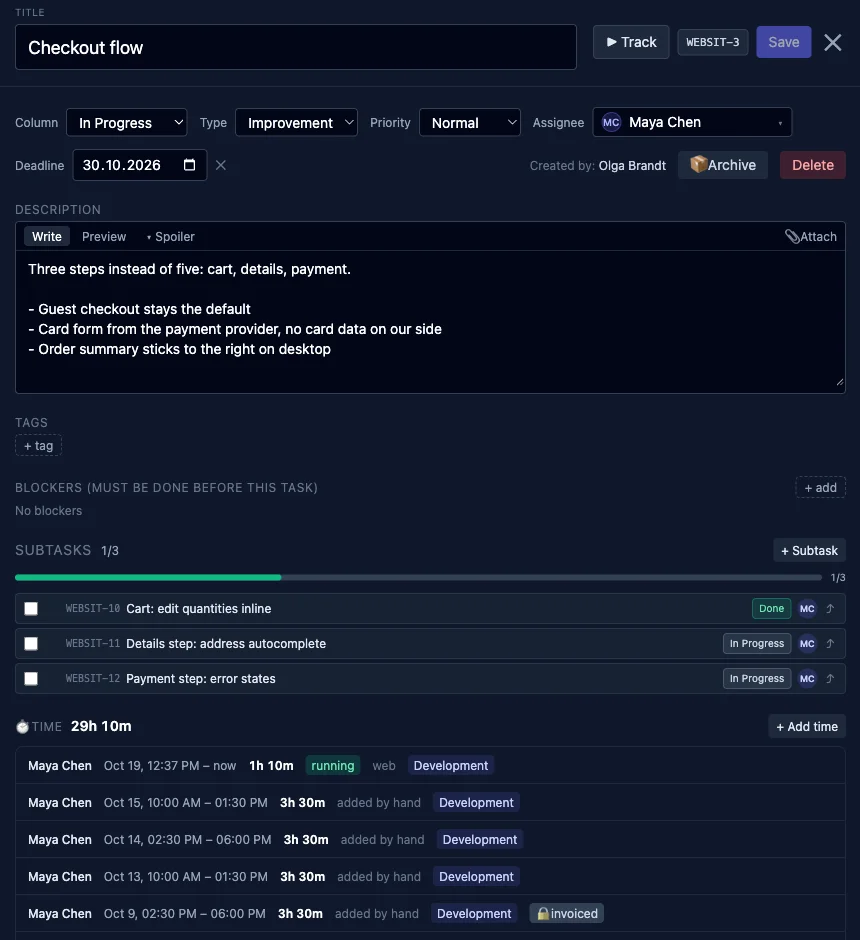
Open a card and you have the task and its time together. Press Track to start the timer, or add time by hand when you forgot. The card holds a description, subtasks with a progress bar, blockers, a deadline, comments and files. Below that are the time entries (everyone's, if you manage the project) with who, when, how long and the kind of work. Entries that are already on an invoice show a lock.
Because the hours belong to the card, moving it to another column changes nothing about them, and there's nothing to sync between two apps. The Workday page lists what you planned for today, so the timer starts with one click. A Gantt view built from tracked time shows when each task was actually worked on.
Invoices from the same hours
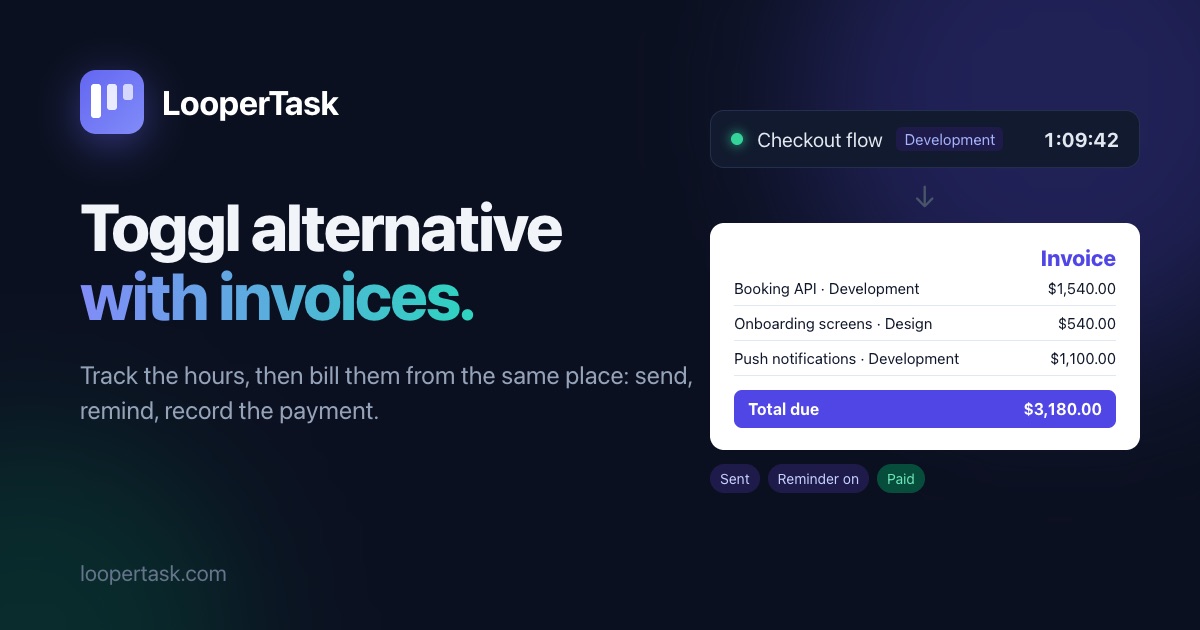
Clockify invoices from tracked time on its Standard plan, with payments and partial payments, so this isn't where the two differ much. In LooperTask the invoice starts from the board's hours: pick the client and the month, and the unbilled hours on that client's projects become lines at their rates. The client gets an email with a link they open without an account. Switch on reminders under Invoices → Clients → Payment reminders, pick up to five days after the due date, and the client gets an email on each of them while the invoice is still unpaid. A Toggl Track alternative with invoices walks through that part with pictures.
Margin on every plan
Clockify shows labor cost and profit on its Pro plan. In LooperTask the cost comes from what you pay people, an hourly rate or a monthly salary, and Finance shows revenue, cost and margin by project, client, person or task. It's in every plan. Track time and see each project's margin has the details.
What it costs
On clockify.me/pricing, Standard is $5.49 per seat a month billed yearly and Pro is $7.99. LooperTask Team is $100 per seat a year, about $8.33 a month. For five people:
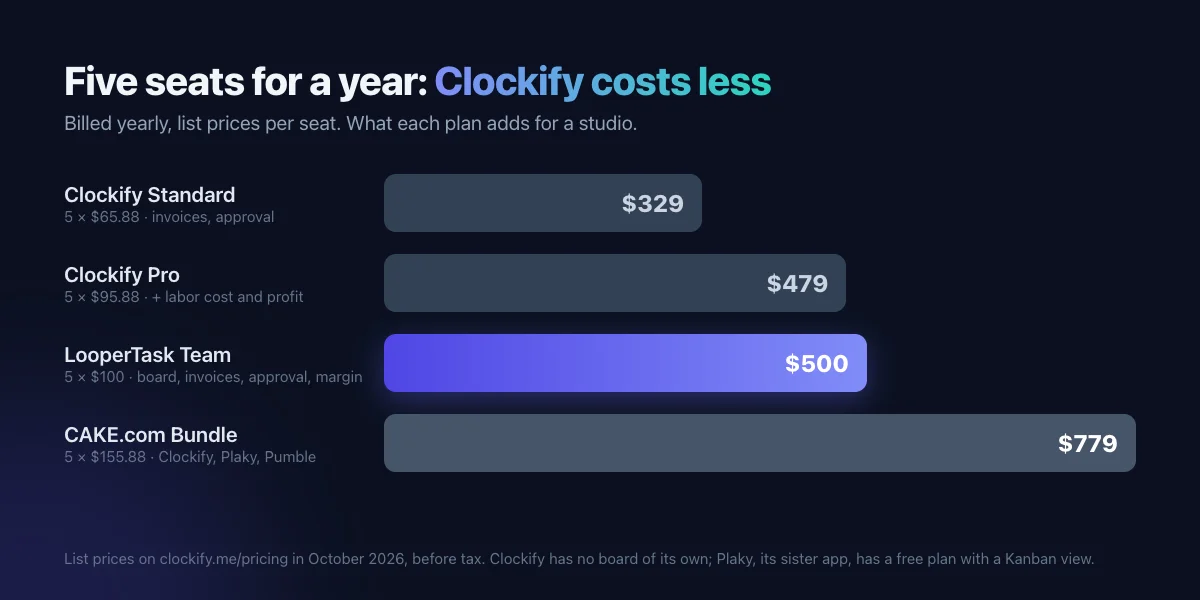
Plaky's free plan has a Kanban view, so Clockify Standard with free Plaky stays the cheapest way to get time, invoices and a board, as two apps. LooperTask costs a little more than Clockify Pro and gives you the board, invoices, approval and margin in one.
When Clockify is the better choice
Pick Clockify if price per seat is what decides it, or if you need apps everywhere: it has desktop apps for Mac, Windows and Linux plus iOS and Android, where LooperTask runs in the browser with an extension for the timer. Its free plan covers up to five people. And if your team already plans in Plaky or another tool and only needs hours next to it, there's no reason to move.
Bringing your Clockify hours over
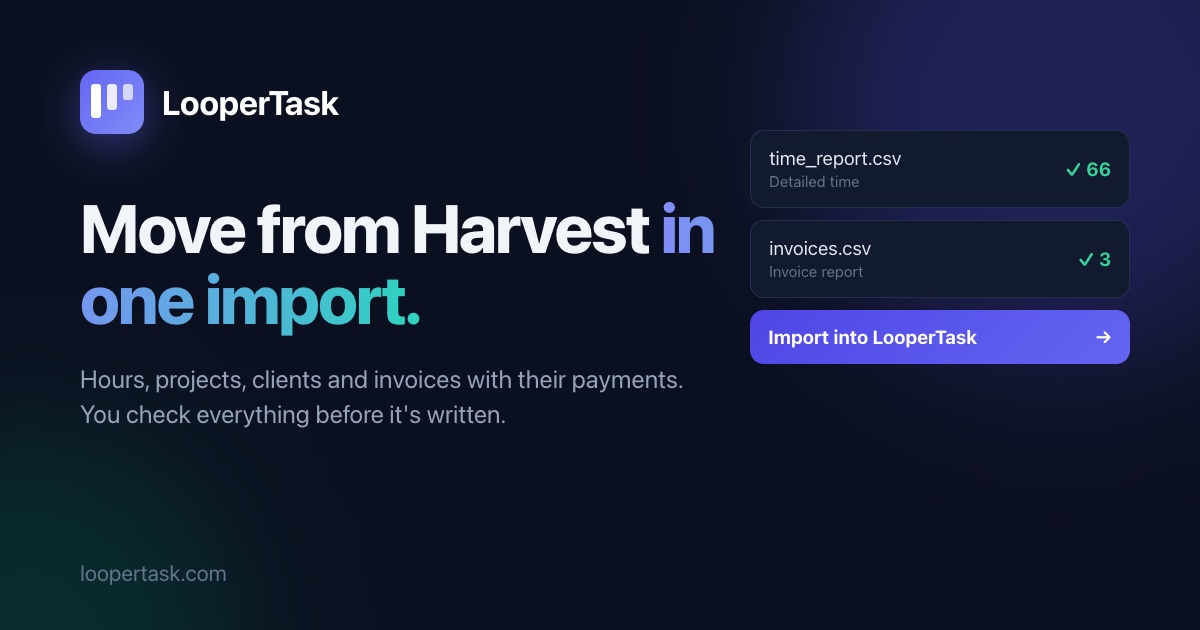
In Clockify, open Reports → Detailed and use Export → CSV (CSV export starts on the Basic plan; Free exports PDF only). In LooperTask, upload the file under Invoices → Import. Leave the Email, start and end, and Duration columns switched on in the export: then entries keep their exact times and people are matched by email. The imported hours land on an "Imported time" card in each project, and new work goes on new cards from there. You check a preview before anything is saved; the Harvest migration guide shows that preview step by step.
Where to start
Start on the free plan, make a board for one project and run the timer on a card for a day. The LooperTask vs Clockify page has the side-by-side comparison.
More from the blog
-
A Toggl Track alternative with invoices
Looking for a Toggl alternative that sends invoices? LooperTask turns tracked hours into an invoice, emails it, chases it and records the payment.
-
How to migrate from Harvest to LooperTask
A step-by-step guide to migrate from Harvest: export your time and invoices as CSV, check the import preview, then bring it all into LooperTask.
-
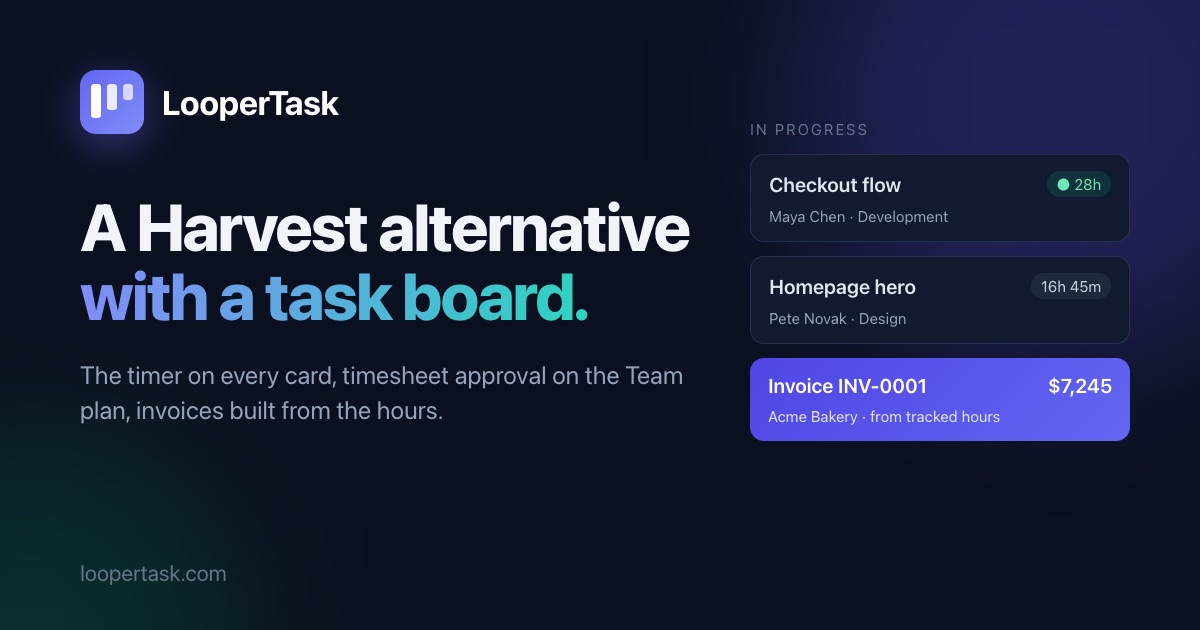
A Harvest alternative with a task board
Looking for a Harvest alternative? LooperTask puts the timer on kanban cards and includes timesheet approval in its Team plan.