New sidebar navigation in LooperTask
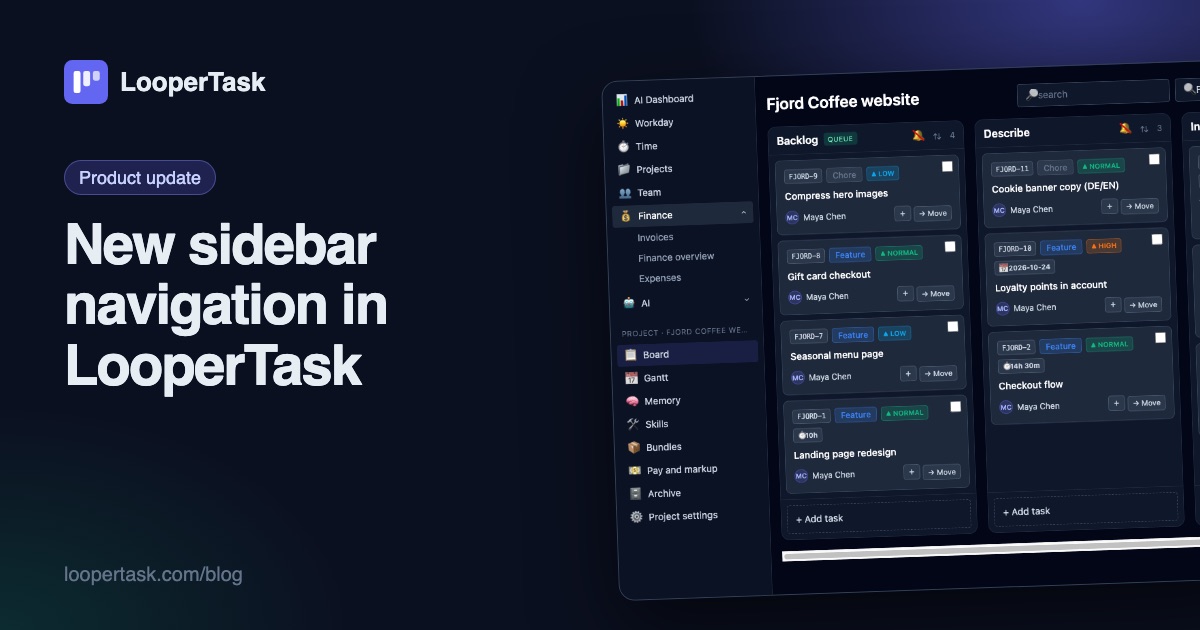
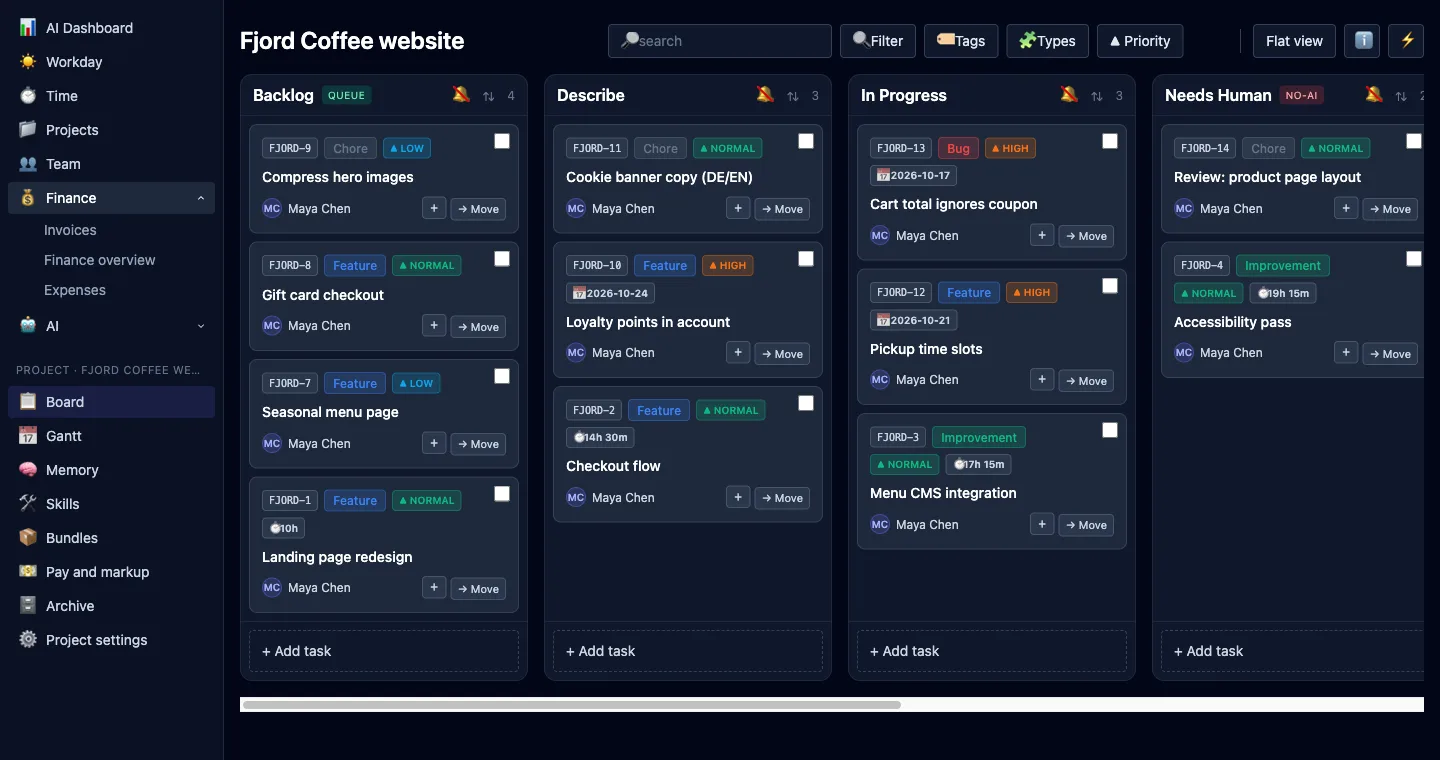
The top menu moved into a sidebar on the left: everyday sections, a project block with the board and Gantt, and one click to collapse it.
The menu across the top of LooperTask had run out of room. Every new section pushed something onto a second line, and project pages stacked their own row of buttons on top of that. So we moved navigation into a sidebar on the left, where a long list fits and stays in the same place on every page.
What's where
The top of the sidebar holds the pages you open every day: AI Dashboard, Workday, Time, Projects and Team. Related pages are grouped. Finance holds Invoices, Finance overview and Expenses. AI holds Connect MCP, AI Agents, your tokens and the workspace's shared assets.
Open a project and a project block appears underneath with that project's own pages: Board, Gantt, Memory, Skills, Bundles, Archive and Project settings. Before, some of these hid behind buttons in the board toolbar. Now they're one click from anywhere in the project.
At the very bottom sits Plan & billing. The top bar keeps breadcrumbs, the running timer, language, notifications, the admin panel for admins, and your profile menu.
Collapse it when you need room
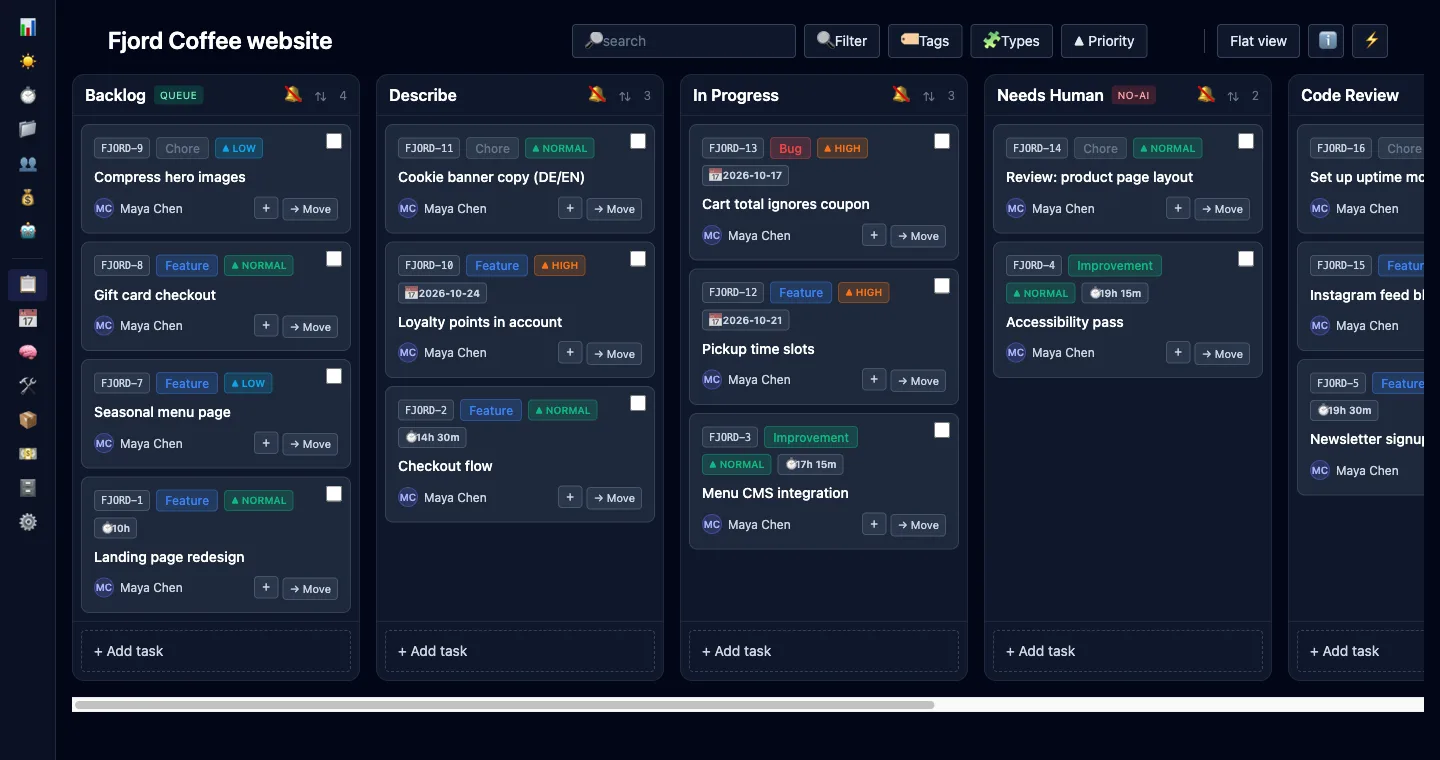
Boards get wide, especially with seven columns. Click "Collapse" at the bottom and the sidebar shrinks to a strip of icons. Hover an icon to see its name; Finance and AI open as small menus. LooperTask remembers the choice, so the board stays wide the next time too.
On a phone the sidebar turns into a drawer that you open from the top bar, with full labels.
Billing and Finance are now separate
These two sounded alike and used to sit next to each other, which was confusing. Plan & billing is about paying for LooperTask itself: your plan, seats and payment. It lives at the bottom of the sidebar and in the profile menu. Finance is about the money you bill your own clients: invoices, the finance overview and expenses.
Pay and markup got its own page
Rates and client markup used to be a tab inside Board settings. Now they're "Pay and markup" in the project block. The link only appears for the person who owns the project and manages its workspace, since rates and margins are their business. A contractor still sees their own rate under Time → My stats, and never the markup.
If your plan doesn't include a module, its links don't show up, and a group with nothing left in it disappears. You won't click into an empty page.
Small things that came with it
The board toolbar fits on one line again. Project settings open from the sidebar, and renaming a project happens right there in its settings. Admins keep the admin panel in the top bar, where it was.
Nothing else moved: your boards, tasks and URLs are where they were. If you build on LooperTask with AI agents, the features page has the full picture, and the quickstart shows how to connect an agent to a board.
More from the blog
-
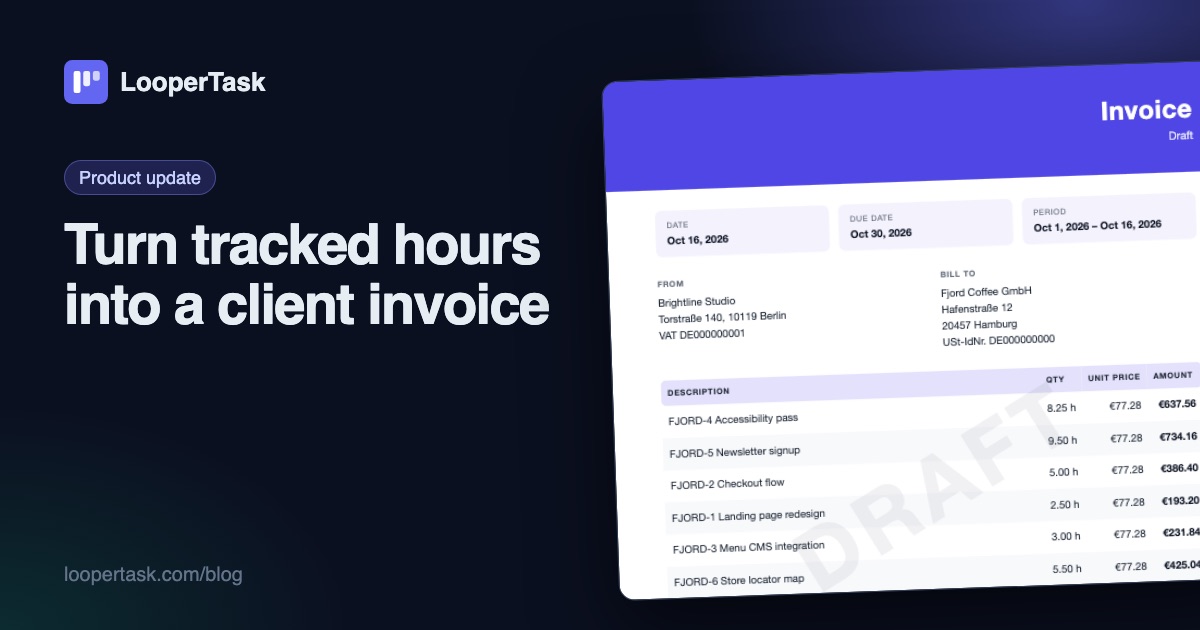
Turn tracked hours into a client invoice
LooperTask now builds invoices from the hours you track: add items, discounts and expenses, pick a template, and download a PDF ready to send.
-
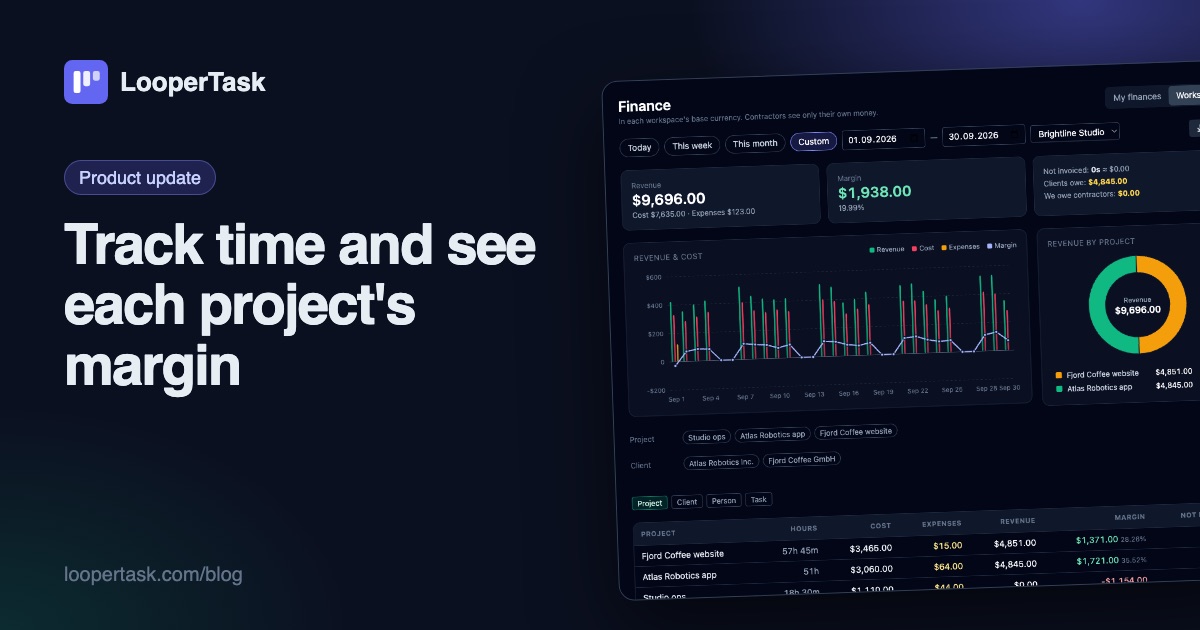
Track time and see each project's margin
Timers on every task, a Workday view, rates and markup per project, expenses, and a finance overview with revenue, cost and margin per project.
-
A Harvest alternative with a task board
Looking for a Harvest alternative? LooperTask puts the timer on kanban cards and includes timesheet approval in its Team plan.